
Moto G100 with snapdragon 870 5G,64MP quad cameras goes official
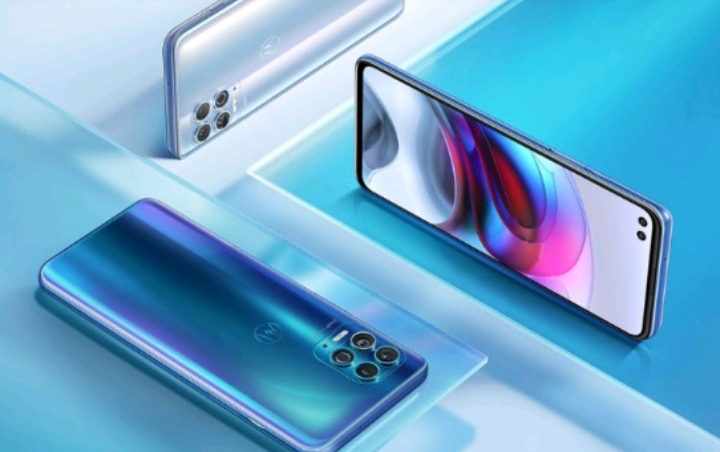
Earlier this year, Motorola Edge S debuted as the first Snapdragon 870 smartphone in China. The company has now globally launched the device as the Moto G100. It comes equipped with a 90Hz display, quad-cameras, dual punch-hole selfie cameras, and a lot more.
Moto G100: Specifications
The Moto G100 features a 6.7-inch Full-HD+ LCD display with 2520 x 1080 pixel resolution. The display here supports a 90Hz refresh rate and a 21:9 aspect ratio, along with DCI-P3 color gamut and HDR10 certification.
As mentioned earlier, you get the Snapdragon 870 5G chipset on the Moto G100. You also have up to 8GB of LPPDDR5 RAM and up to 256GB of UFS 3.1 built-in storage. In terms of software, the device runs near-stock Android 11. It also brings along a Samsung Dex-like desktop mode with the help of an HDMI cradle. Connectivity features include dual-mode 5G (SA/ NSA), Wi-Fi 6, Bluetooth 5.1, a 3.5mm headphone jack, and a USB-C port.
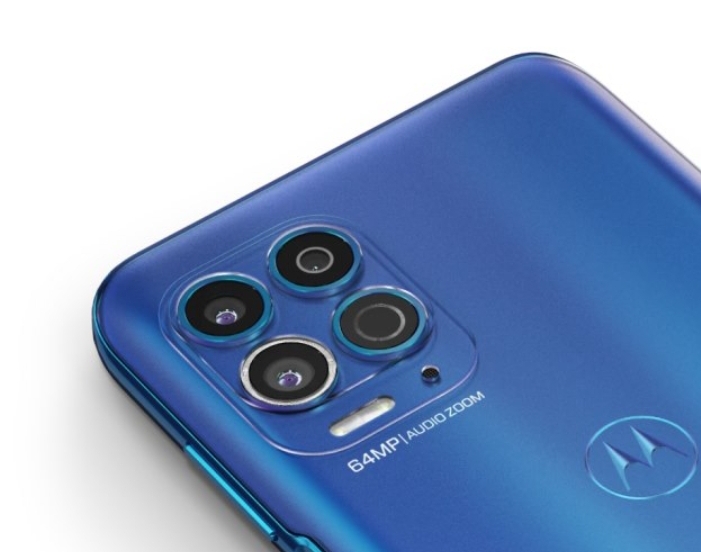
Coming to the cameras, the Moto G100 packs a quad-camera setup with a 64MP f/1.7 primary camera, a 16MP ultra-wide lens with a 121-degree FOV, a 2MP depth sensor, and a 3D TOF sensor. As for the selfie cameras, the dual punch-hole cut-outs on the front are housing a 16MP main camera and an 8MP ultra-wide camera.
Lastly, Moto G100 comes equipped with a huge 5,000mAh battery that supports 20W fast charging. There’s also a side-mounted fingerprint sensor on board, and it also doubles as the power button.
Pricing and Availability
The Moto G100 starts at €499.99 (~Rs. 42,850) in European markets. It retails at CNY 1,999 (~Rs. 22,500) in China and the Indian variant will be closer to this price point than the European one.
The device will be available in Iridescent Sky and Iridescent Beryl color variants. It will go on sale starting today. We can expect it to launch in India over the coming weeks.
GOOGLE ASSISTANT WILL SOON GET A NEW “MEMORY” FEATURE ON ANDROID
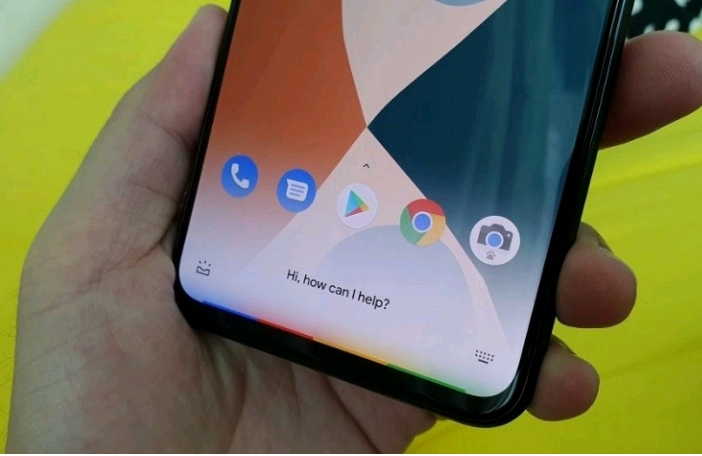
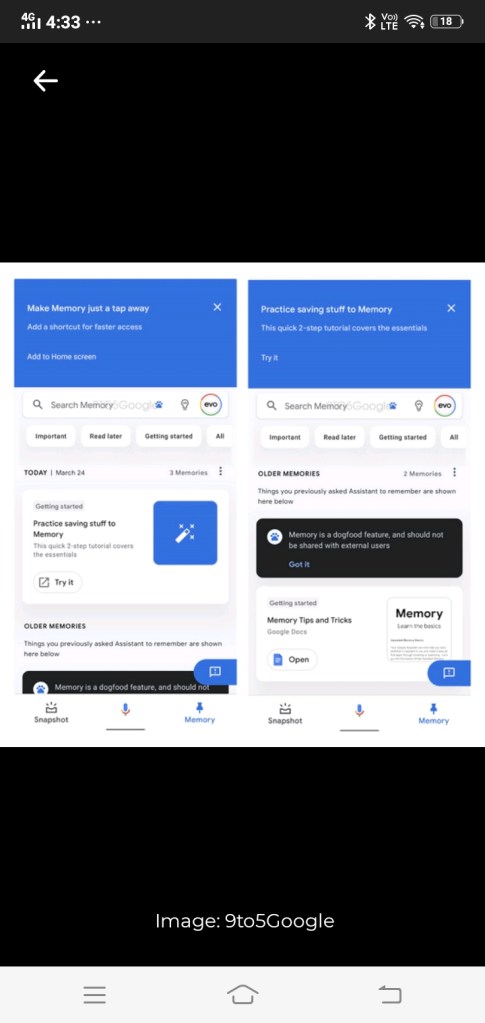
Google is working to add a new Assistant feature that lets you save different kinds of content in one place. The ‘Memory’ feature was recently spotted by the folks over at 9to5Google in an APK teardown.
Google Assistant Memory
As Google puts it, Memory is an easy, quick way to save and find everything in one place. You can save screen contents including links, objects, posters, handwritten notes, and reminders. There’s also an option to add images, videos, and more to the Memory section. In addition, the feature will show contextual suggestions based on the memory.
With Memory, you’ll be able to access them all within Assistant. Apart from this, you can neatly organize them with the help of topic labels. You can also use the search bar to search for memories. For quick access, you’ll also have the option to add a Memory shortcut to your phone’s home screen.
After you store a memory, you can access it in the Memory feed that’s accessible from the bottom navigation bar on the Assistant screen. According to the report, memories will be organized in reverse chronological order as cards. Moreover, it will show special cards when you save Google Docs, Sheets, Slides, Drawing, Forms, Sites, Jamboard, and other Drive files.

Thank you so much for reading the article
 INDIA KA TECH